Flexepin
To redeem a Flexepin voucher, follow the steps below.
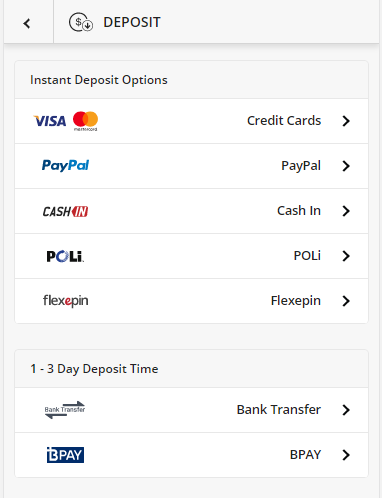
Step 1: Navigate to the Account tab and select Deposit, followed by Flexepin.
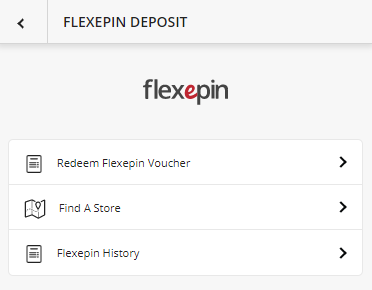
Step 2: Select Redeem Flexepin Voucher
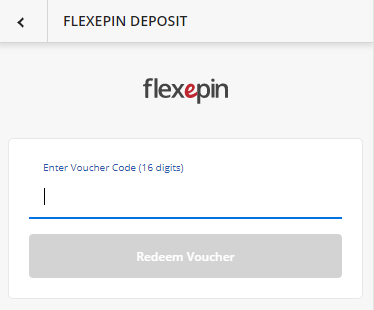
Step 3: Enter the voucher code into the box provided and select Redeem Voucher.
Step 4: Refresh your account to view your updated account balance.
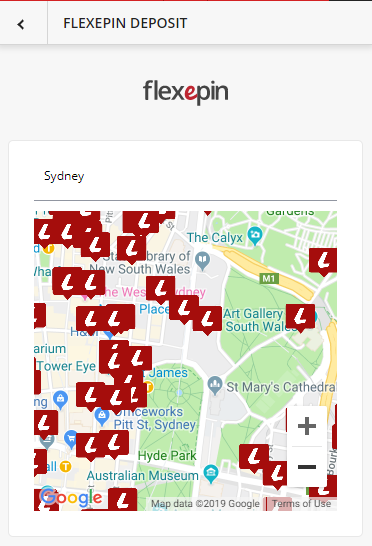
To find a store near you that sells Flexepin vouchers, you can use our Find a Store feature within the Flexepin section. Enter a suburb or postcode into the box provided and select the relevant location from the pre-populated list. This will display on the map all of the locations near you that provide these vouchers.